
GameRoom777 Registration
Having trouble creating your GameRoom777 account or logging in? Whether you’re stuck at the sign-up stage, forgot your password, or are experiencing login issues, this guide has you covered.
This walkthrough includes:
- How to register your GameRoom777 account
- How to log in properly
- Steps for Admin and Agent backend login
- How to fix common login errors
- How to reset your password if you’re locked out
- How to download GameRoom777 on Android and iOS
- How to keep your account safe
Let’s get started.
Requirements Before You Register
Make sure you have the following ready:
- A stable internet connection
- A valid Gmail account (used for receiving passwords)
- A way to store your login info (notebook or password manager)
GameRoom777 Account Registration
Accounts cannot be created from within the app. Here’s how to register:
- Visit a large retail store or authorized distributor nearby
- Ask the cashier to create a GameRoom777 account for you
- Provide your name, phone number, and email
- Confirm your email and phone number
- After verification, the cashier will give you your Player ID and Password
Troubleshooting Registration Issues:
- Didn’t get a confirmation email? Check your spam folder. Still no luck? Ask the cashier to resend it.
- Verification failed? Make sure your phone/email is correct and try again.
Once done, move on to the login steps below.
How to Log In to GameRoom777
After you’ve registered:
- Download the GameRoom777 app from the official source
- Install the app and launch it
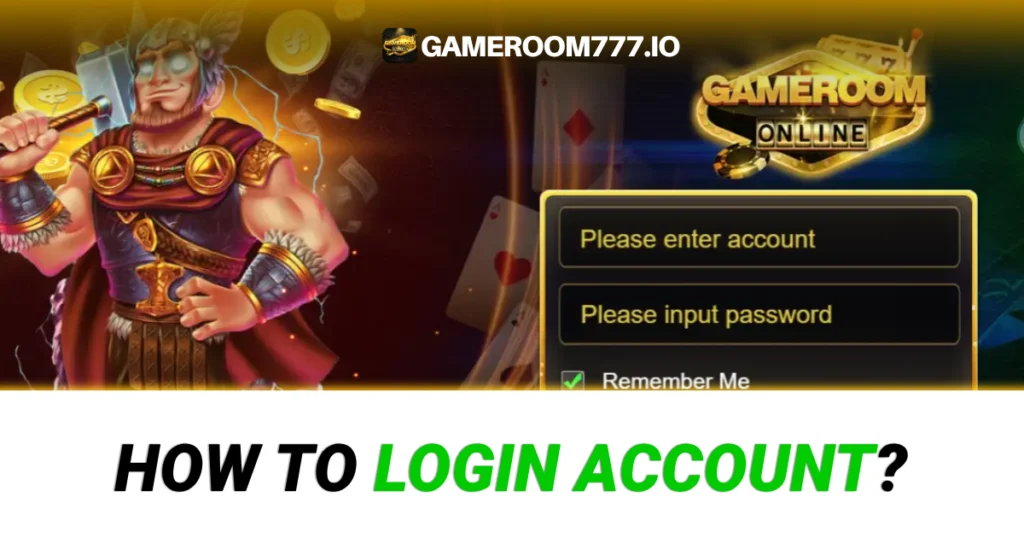
- Enter your Player ID and Password
- Tap Login
You’ll be redirected to the main dashboard where you can explore all games.
Common Login Errors & Fixes:
- Forgot password? See the password reset section below.
- Account not found? Make sure you’re using the same email or ID used during registration.
- Login screen not loading? Clear your browser/app cache or try another device.
GameRoom777 Admin & Backend Login
If you’re an admin or agent, you need special access through a different portal, not the public login screen.
Admin Login Steps:
- Visit the Admin Portal URL (not the regular login page)
- Enter your Admin ID and Password
- Click Login to access backend tools
🔄 If you’re redirected to the player dashboard, make sure you used the correct admin login link.
Admin vs Agent Access
Admins have backend privileges like user management and reporting. Agents have more limited access for managing referrals or users within their tier.
Common Login Problems & Fixes
“Invalid login credentials”
- Double-check for typos in your email or password
- If still not working, proceed with password reset
“Account locked”
- Too many failed attempts? Wait 15–20 minutes before trying again
Game not loading after login
- Switch Wi-Fi networks or clear the app cache and restart
How to Reset/Forgot Your Password
For Older Accounts:
- Open the app and tap “Forgot Password”
- Enter your registered email address
- Check your inbox and confirm the email
- Enter a new password and save
- Return to the app and log in with your updated info
For Newer Accounts:
- Tap “Forgot Password” in the app
- You’ll be shown a Contact Support option
- Provide your registered email to the support agent
- Follow the email confirmation link
- Set a new password and log in
💡 Tip: Save your new password in a password manager for easy access.
How to Play GameRoom777 Online (No Download)
If you don’t want to install the app, you can play online:
- Visit the official GameRoom777 site
- Enter your Player ID and Password
- Log in and start playing directly in your browser—no downloads needed!
Download GameRoom777 App
Want a smoother and faster experience? Install the app for your device:
Android Users:
- Visit the [GameRoom777 Android page]
- Tap Download for Android
- Enable “Install from unknown sources” in settings
- Install and open the app to log in
iOS Users:
- Go to the [GameRoom777 iOS page]
- Tap the download button
- Scan the QR code and follow the install guide
- Launch the app and sign in
🛑 Warning: Only download the app from trusted sources to avoid malware.
How to Keep Your Account Safe
Protect your GameRoom777 account with these tips:
- Use a strong password with uppercase, lowercase, symbols, and numbers
- Enable two-factor authentication if available
- Never share your login credentials
- Bookmark the official site to avoid fake login pages
- Log out of your account when using shared devices
- Change your password every few months
Conclusion
By now, you should be ready to:
- Register your GameRoom777 account properly
- Log in without issues
- Use the admin/backend portal if you’re a distributor
- Reset your password if you ever forget it
- Stay safe and protected while enjoying your favorite games
Still need help? Check out our blog section or leave a comment—we’ll respond as soon as possible.
Start playing smarter and safer with GameRoom777 today!